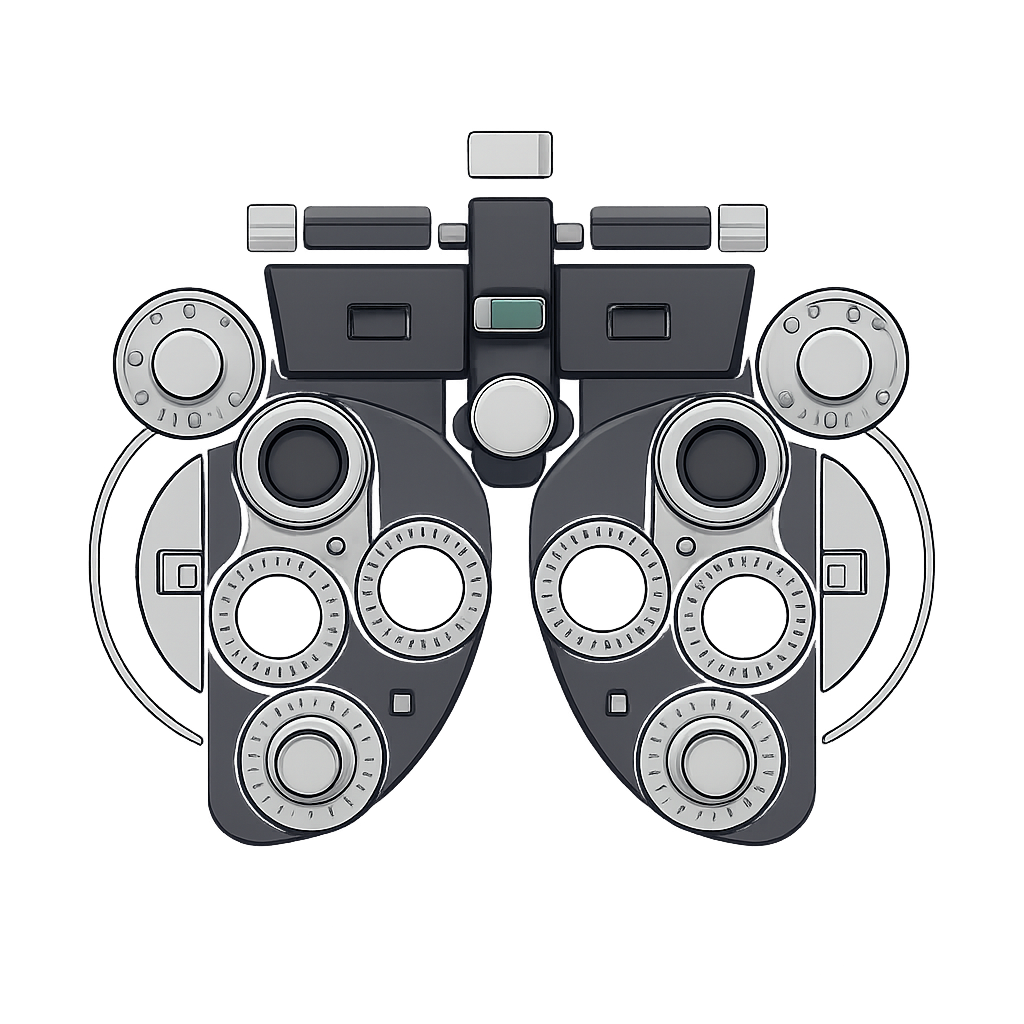
About Code Phoropter
Find the code display settings that suit your eyes
About This Project
Code Phoropter helps you find the font, size, weight, line height and color scheme that you read code best with. It shows the same code in two versions and asks which one you prefer, the way an optometrist asks "which is better, 1 or 2?". Each answer narrows the field until one combination remains.
It is open source and runs in your browser.
Why I Built It
Reading code on a screen got harder for me with age. Settings that worked in my twenties now strain my eyes, most of all in long sessions and in poor light.
Font showcases did not help. They show each font alone, and there are too many combinations of font, size and color to try by hand. Comparing two options at a time is easy, and it happens on your own screen, in your own light.
🔒 Privacy
Your choices and your results stay in your browser. We do not collect them.
- No tracking: No analytics, no cookies, no accounts.
- Your results: The comparisons, the scores and the exported settings are computed in your browser and are not sent to us.
- Your installed fonts: The app checks which coding fonts are installed on your computer so that it can offer them. That list is not sent to us.
- Fonts from this site: Most fonts load from phoropter.org. Our web server keeps a standard access log (IP address, time, file).
- Fonts from Google: Some fonts and the icons load from Google Fonts, also when the app starts. Google then sees your IP address, under its own privacy policy. One font, Comic Mono, loads from GitHub in the same way.
Available Fonts
Code Phoropter compares these coding fonts:
| Font Name | Source | Ligatures | Notes | Sample |
|---|
Note: System fonts are only available if installed on your computer. Other fonts load from this site or from Google Fonts when selected.
Color Schemes
The color schemes follow popular editor themes:
Dark Themes
| Theme Name | Origin/Author | Description | Sample |
|---|
Light Themes
| Theme Name | Origin/Author | Description | Sample |
|---|
Technologies Used
- Font Detective - Local font detection library for identifying installed fonts
- JSZip - Client-side ZIP file generation for configuration downloads
- Google Fonts API - Web font loading for fonts not installed locally
- TypeScript and Vite - No UI framework dependencies
- Modern CSS - Flexbox and Grid layouts with CSS variables for theming
GitHub
Repository: github.com/staffanm/code-phoropter
Credits & Acknowledgments
- Inspired by the optometry phoropter device and its systematic approach to finding optimal vision
- Font recommendations from the developer community
- Color schemes inspired by popular code editor themes
- Icons and visual design inspired by medical/optometry instruments